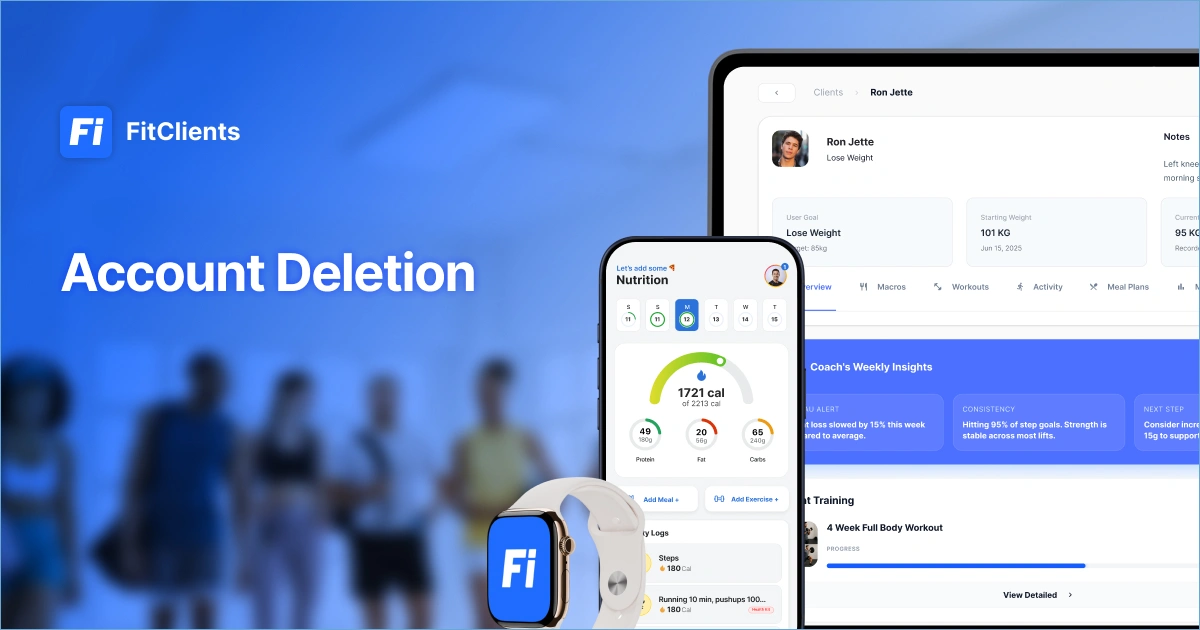
Delete Your FitClients Account
This page lets you request permanent deletion of your FitClients account and the personal data stored in it. It applies to the FitClients app and platform, operated by SIA FitClients.
Account deletion
Fastest: delete in the app
If you train with a coach and use the FitClients app, you can delete your account without contacting us:
Open the FitClients app.
Go to Settings.
Tap Delete Account and confirm.
Your account and data are then removed as described below.
Coaches
If you run your coaching business on FitClients, request deletion of your account and workspace with the form on this page or by emailing us directly.
Deleting data without deleting your account
You can edit or delete individual logs, photos, and food diary entries in the app, and you can revoke Apple Health or Health Connect access in your device settings at any time.
What is deleted, and when
FitClients is developed and operated by an EU-registered company based in Riga, Latvia. We believe coaches should know exactly who they’re trusting with their business, client relationships, and recurring revenue. That’s why we’re committed to transparency, long-term product development, and dependable support.
Deleting your account permanently removes:
your profile and account data;
your health and fitness logs – weight history, food diary, workouts, habits, and synced health data;
your progress photos and uploaded media;
your chat history, including messages, images, videos, and voice recordings.
Data is removed from our production systems within 30 days of the request, and backup copies are purged within 90 days. Invoices and accounting records are kept for 5 years, as required by Latvian law. We may contact you first to verify that you own the account.
Full details are in our Privacy Policy, in particular the sections on retention and account deletion.